
Normal Default
Clean and professional, no anime. Opens with an animated Dev by Sufyan brand intro — the calm choice for class and office.
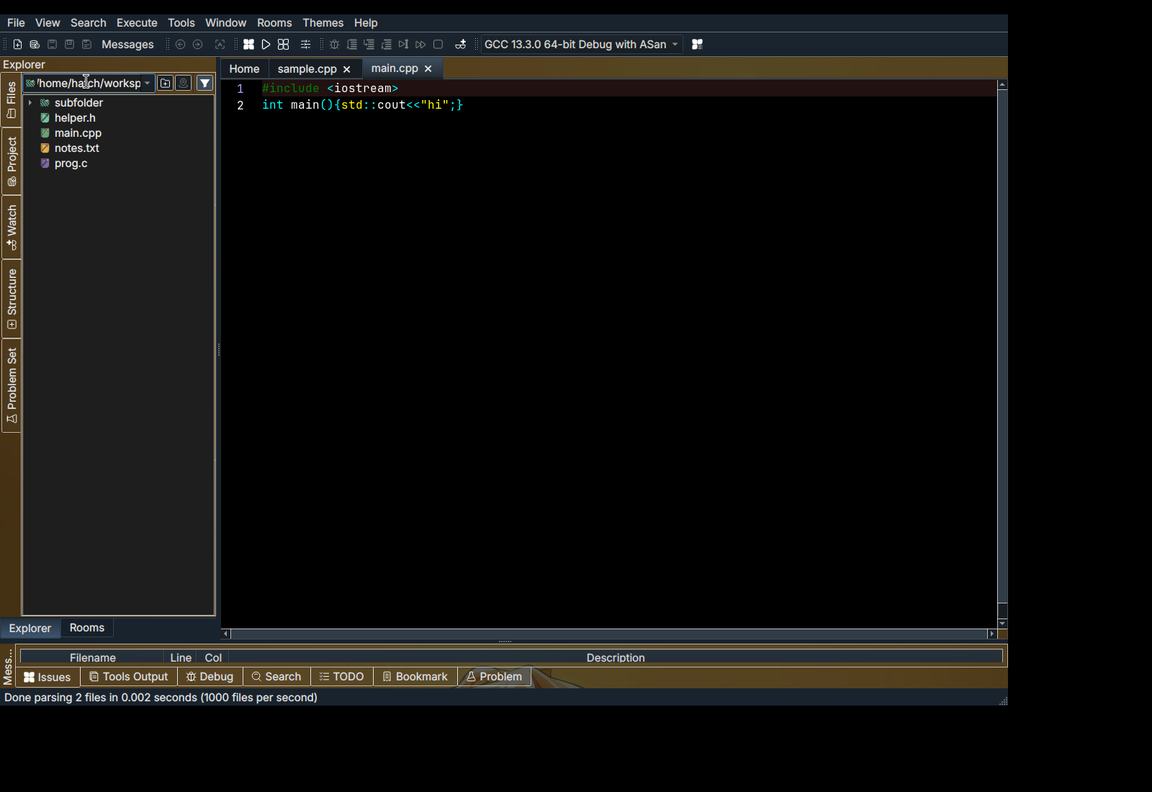
A fast, friendly code editor in the classic Dev-C++ spirit — with live Rooms where your whole class codes in one place, five full themes, and updates that resume instead of restarting.


Open the app and you land on a fullscreen Home — no clutter, just your next move. Underneath sits a complete editor that fixes the boring parts for you.
Compiler error? Press Fix Lagao and the common mistakes — missing semicolons, brackets, colons, wrong names — are corrected with a preview before anything changes.
Every error is translated into easy words, with a searchable dictionary built in. Double-click an issue and the fix is explained, then applied with Fix & Recheck.
Fifteen ready-made starters for C++, C and Python — input loops, file handling, class skeletons and more — saved first, then opened ready to run.
Inter for the interface and JetBrains Mono in the editor — zero and the letter O finally look different. Your own font choice is always kept.
Menus fade, panels slide and screens melt into each other. Full-quality animations throughout — and one switch turns them off if you ever want it plain.
Your work saves itself as you type and comes back after a crash. Code first, worry never.
The built-in updater was rebuilt from scratch:


One editor, five personalities. Every theme repaints the whole app — Home, editor, menus, loading screen, even the file icons. Faces in the artwork are never covered: the tiles live only on empty background.
Clean and professional, no anime. Opens with an animated Dev by Sufyan brand intro — the calm choice for class and office.

The golden original look long-time users know — warm art, familiar colours, zero fuss.

Breathing-style artwork with the cast front and centre, and 17 Home wallpapers you can rotate or pin yourself.
Power-up energy across the whole UI — 11 Home wallpapers with Goku, Vegeta, Beerus and more, straight from the source folders.

Plus-Ultra greens and hero art — 3 Home wallpapers, Froppy approved, rain and all.

The Normal theme greets you with an original animated </> intro — drawn fresh for this app, seen nowhere else.

The full collections are in — 17 Demon Slayer, 11 Dragon Ball and 3 My Hero Academia Home wallpapers, with the face-filling artwork rotating through the loading screens instead. Open Customize Home, pick the one you love, and it stays — or let them rotate. Your pick is saved per theme.
Switch themes and even the file tree changes its clothes — folder and file icons come from the theme's own icon pack, so a Demon Slayer session looks the part down to the last .cpp.
Every start is a title screen: full-bleed artwork from your theme, a bold sunset-gradient wordmark recoloured to match, a progress bar and a rotating tip. About five seconds of drama, then you code.


Create a room, share the 4-digit code, and everyone codes together — live. The creator runs the room; everyone else watches, learns and writes along.

Version 1.6.1 for Windows. The compiler is inside the setup — install, open, press F9. Free forever, no account, no sign-up.
Already on v1.6? Just use the in-app updater — it will fetch v1.6.1 and install it for you. Still on v1.5.x? Download this one manually, one last time — the old updater could download but not install, and this build carries the fixed updater. Run the setup over your old install; your files and settings are kept.
Windows may show an “unknown publisher” SmartScreen prompt — the app is unsigned; choose More info → Run anyway.